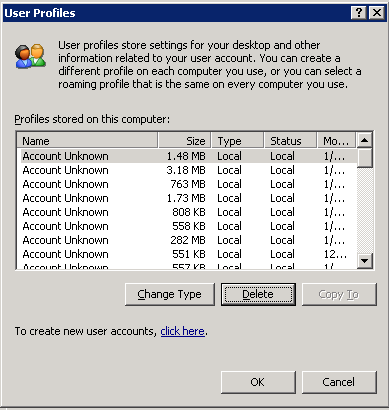
Deleting Unknown Accounts for Local Profiles
by Travis on Jan.25, 2014, under Tech Stuff
So, you’re still rockin` that old legacy server and you want to clear out some space. You head on over to the control panel, take a look under System/Advanced/User Profiles/Settings and there’s a bunch of accounts listed as “Account Unknown”. “GREAT!” you think to yourself, there’s a bunch of accounts that aren’t needed that I can clear out. You click on one and notice that the delete button is all grayed out.
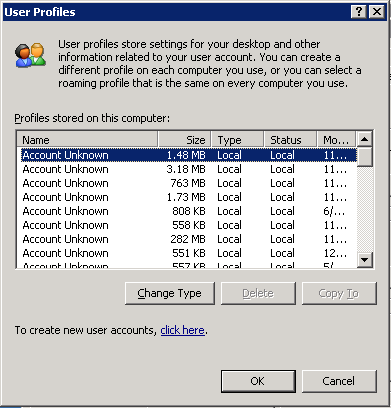
You think to yourself, “fine! I’ll go manually delete these” but when you try to take out that profile folder from Documents and Settings, you get the error:
“Cannot delete NTUSER.DAT: It is being used by another person or program. Close any programs that might be using the file and try again.”
Been there? Yeah, it sucks.
Alas, there is a simple solution. User Profile Hive Cleanup Service.
1. Download the MSI from here.
2. Run uphclean.exe from the installation location where you unpacked the file.
3. The “Delete” button should now be available.